



Latest Version
Bastian Roessler
Communication
Mac
$0.99
1249947725
Report a Problem
More About ChatMate for Facebook
A Desktop-Class Upgrade for Your Daily Chats
For macOS users who rely on social messaging, keeping a browser tab pinned constantly can be a major drain on both focus and system resources. ChatMate for Facebook messenger on Mac steps in as a dedicated, native solution that transforms how you interact with your social circle. Unlike basic wrapper apps, this utility is built specifically to integrate seamlessly into macOS, offering a level of fluid performance and deep system integration that standard web browsers simply cannot match.
Premium Features Tailored for macOS
What sets this client apart is its extensive suite of native enhancements designed to respect your workflow and your privacy. Here is a breakdown of what makes it a standout choice:
- Advanced Privacy Controls: Take charge of your workspace with Stealth Mode, which prevents onlookers from reading your active chats, and Privacy Mode, which locks the application behind a password or Touch ID after a set period of inactivity.
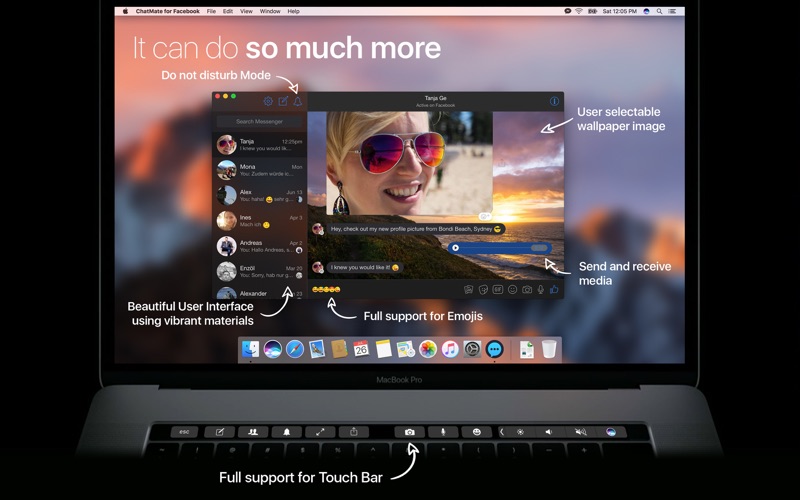
- Tailored Notifications: Choose from over 20 distinct alert sounds, utilize customizable Do Not Disturb settings, or configure notification banners to hide sender names and message previews for complete discretion.
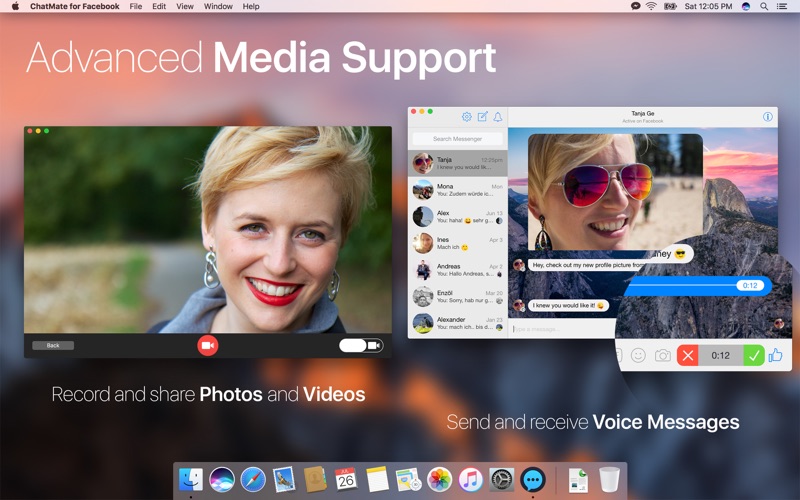
- System-Wide Sharing & Shortcuts: Send files, photos, and web links instantly from any native application using the built-in Share Extension, or call up the chat interface instantly with a customizable global keyboard shortcut.
- Optimized Performance: Built using Swift technology, the software is engineered for a minimal CPU and memory footprint, ensuring your Mac remains fast and responsive.
A Polished, Native Interface
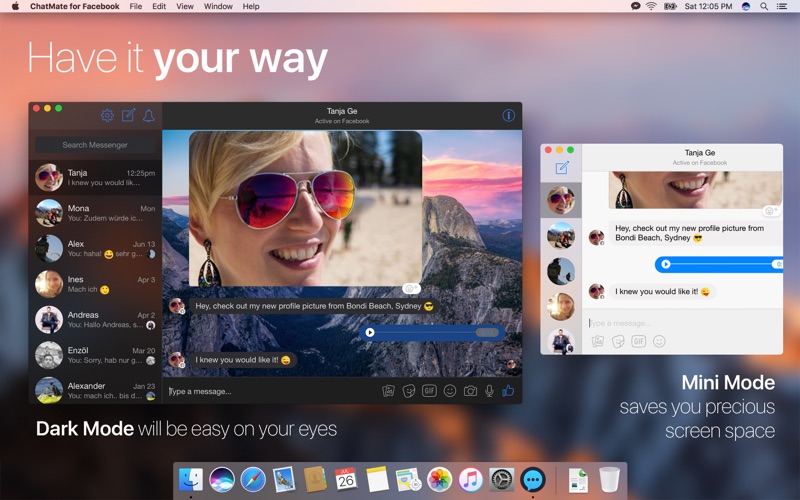
The application feels right at home on macOS. It features a polished layout that supports Dark Mode to ease eye strain during late-night sessions, full Touch Bar integration for compatible MacBook Pro models, and interactive notifications that let you reply to incoming messages instantly. You can also customize your experience by hiding the dock icon entirely and running the utility silently in the menu bar, keeping your workspace clean and distraction-free.
The Verdict: Is It Worth It?
If you are looking to decouple your messaging from resource-heavy web browsers while gaining robust privacy features and system-level shortcuts, this utility offers exceptional value. It successfully bridges the gap between a standard web service and a premium desktop experience. To explore this feature-rich desktop client further, check out the official Mac App Store listing to see how it can streamline your daily communication.
Rate the App
User Reviews








Popular Apps










Editor's Choice